Back to shop ↗
THE HOLDEN COMMODORE FORUM

HOLDCOM Community

Built around the cars. Kept alive by the people.

+ Start a discussion
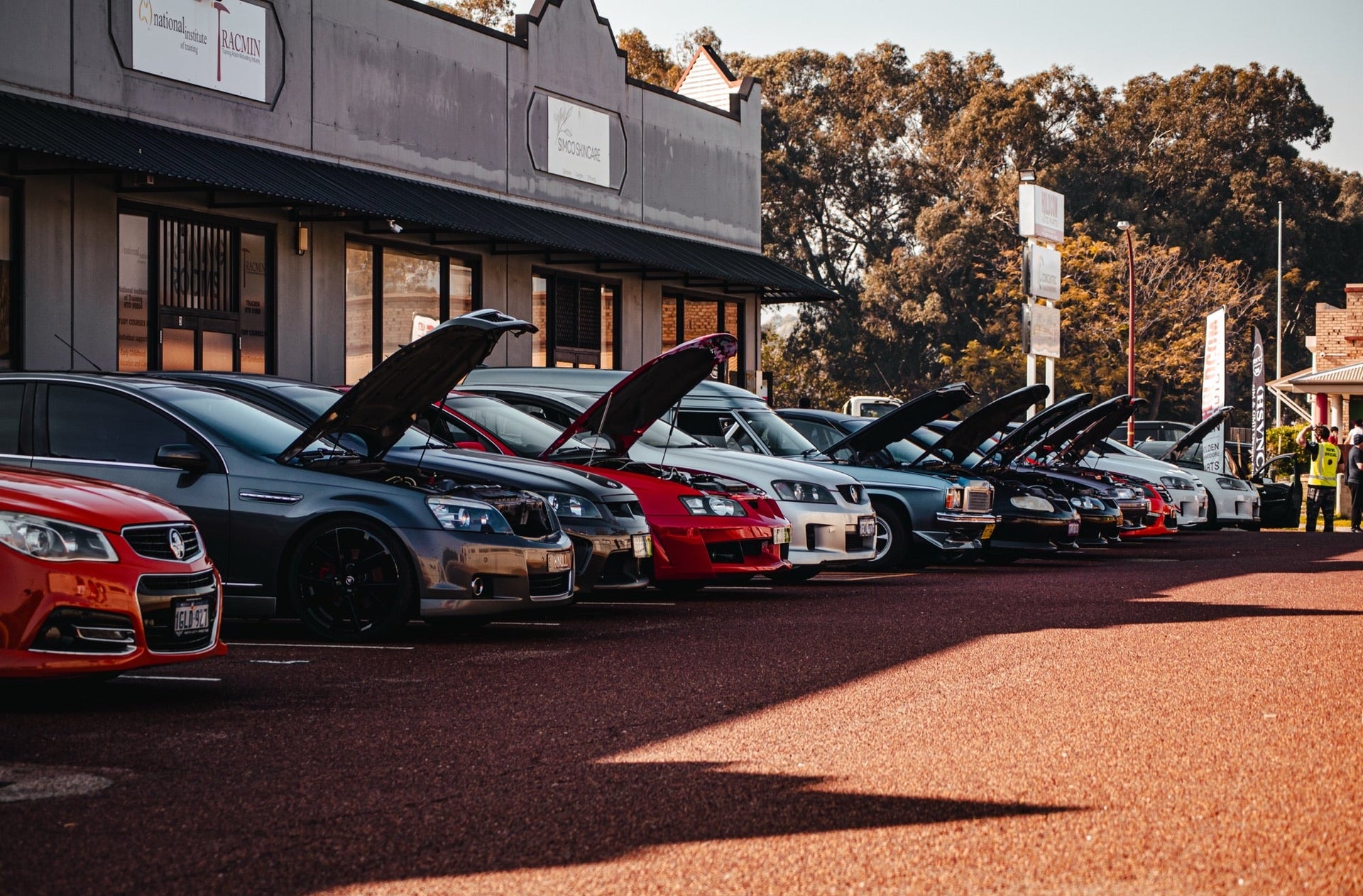
Holden Commodores gathered at Holdcom
Forum Home›Technical help
Technical help

how to change your dash lights colour

Started by the_duff vbmenu_register("postmenu_636570", true); · 1 Sept 2005 · 57 replies

Preserved from CalaisTurbo. Original authors and dates are shown; archived members are not current Holdcom accounts.

hey guys after a lot of effort and tinkering with different parts of my dash i figured out how to get the numbers completely clear so that the colour can be changed instead of crappy green with a black background!!! ok so what you need is * both sorts of screwdrivers * fork (random hey ) * sand paper * paint thinners * extremely sharp stanely knife * chosen paint colour for lights * chosen paint colour for face * coloured light "condoms" * stubbie and stubbie holding assistant * glue stick ok before you start get a good nights sleep because this is a very long, boring and tiring process and you need to focus all the time otherwise if you slip you will scratch the dial!!!! first of all take your dash cluster out of the dash, to remove this you need to unscrew the screws for the plastic surround, and aso the screws under the satellite switches, the satellite switches just unplug, then remove everything. the plastic surround also runs down to the two air con vents above the cd player. after this there are 4 big bolts that need to be removed, these can be found 2 on each side of the cluster, once you have done that unplug the little power connector at the top which lights up the PWR light etc. as well as the connector clip thingy a little bit lower than that controls everything except speedo. then if you reach under and around u will feel a plug about the size of your car lighter, unplug this also, this ones for you speedo. now the cluster should be free, remove it and unscrew the screws at the top near the clear plastic screen, there are a few and they are all black (you don't need to unscrew anything at the back on the brown stuff). now take off the plastic screen, (and if ur me order a new one from rare spares cos mine has seen better days) and undo the four little screws with a flathead screwdriver on the face, then slide the two plastic dividers up from the face (near the clock) now time for the random fork, making sure your needles are set to 0, carefully place the fork under them and pry them out (VERY GENTLY AND SLOWLY) most of these have never been removed since the 80's so be careful. then once there off the faces can be pulled out, take out the little stick think that the speedo needle rests on and the four rectangle surrounds for the fuel, volts etc. now sand the back of them until behind all the numbers and letters are green, and rub them with thinners until it clears up and is smooth. NOW for the fun, carefully and slowly scrape the front of the letters and numbers off, all of the white so they become clear and see through, i found the easiest way to do it was to use MS paint and fill the background colour as red, each time i scraped something off i would hold it up to the computer screen to see if the colour came through. once you have finally completed this you need to either, spray your desired colour LIGHTLY on the back (in my case red) then cover your globes with those little coloured light bulb condoms (to give a really full colour) or just do one or the other, but this might not turn out as well. lastly cut squares and circles to the size off the dials and glue them to the face over the dials, then spray the face, you can prime it and clear coat if desired, then remove the paper covers so that they don't leave a residue, i did my faces silver. once dry, replace everything and make sure it all works fine, if it does give yourself a pat on the back and have another beer!!! i know this is long but i wanted everyone to get as much detail as possible so they know exactly what to do!! cheers guys josh Some original photos have not been recovered yet.
0 likes
well written, have you got any photos?
0 likes
good write up mate, wheres the pics tho Some original photos have not been recovered yet.
0 likes
ill get pics soon!!!! cheers the duff
0 likes
Quote: now sand the back of them until behind all the numbers and letters are green, and rub them with thinners until it clears up and is smooth DONT SAND THEM BACK, you dont need to!!!!!!!! trust me i did it and i regret it, your lights will be too bright in some places and dark in others, the white on the back is there to even out the brightness.
0 likes
yeh get some pics up
0 likes
Where did ya get the globe condoms?
0 likes
sprint auto parts, they are made by NARVA.
0 likes
They sell them at Auto Barn i rang today
0 likes
when you get the pics up make sure you email sirgeo and get him to put the pics in the article where its rellevant.. by teh way the pics look good in the other thread.. well done.. was there any mishaps you encountered when doing/pulling the dash pieces apart.. i couldnt seem to get the speedo needle of prying them with a fork.. any ideas.. or shoudl it come off?
0 likes
what side are you supposed to scratch the numbers off? the front or the back? could someone please put some pics up!?
0 likes
pictuers??????
0 likes
scratch only the front off
0 likes
yeah dude frontski's..... i'll get some pics tommorrow FOR SURE, it's just my clock isn't done yet thats all!!! cheers guys josh
0 likes
heres the pics guys, these dont do the car any justice though, its hard to get a pic of the red light, it looks much better in real life.... if u really wanna see it u have to do it urself. theres a few shots of the dash in dark and light and one of me giving it the "thumbs up of approval" i have finally completed my whole dash light thingy i was working on, i have got red gear lights, red satellites, red clock and red dash lights.... if anyone wants to know how i did them just ask.... although i won't steal too much of wood 22's thunder cos the clock was his write up, but i did mine in red. enjoy cheers the duff
Photo 1 shared by the_duff
vbmenu_register("postmenu_669520", true);Photo 2 shared by the_duff
vbmenu_register("postmenu_669520", true);Photo 3 shared by the_duff
vbmenu_register("postmenu_669520", true);Photo 4 shared by the_duff
vbmenu_register("postmenu_669520", true);
0 likes
your eyes are more red in the photo than the instruments... :P
0 likes
I'm off to get some coloured gels to replace my celophane today YAY, should all be finished.
0 likes
hey wood what exactly is coloured gels? I started doing this on the weekend and it got tiring so i only did half. but i will get around to finishing it. it looks good so far but did you change the colour of the needles?
0 likes
how come its bright in some places , and dark in others?? looks alot different to the green haha
0 likes
that red would look good if it was consistant brightness..
0 likes
Sign in or create an account to reply. New members are welcome—no purchase or old CT account needed.

Who’s online

0 members and 0 guests active in the last 15 minutes

No signed-in members active right now. Guests are welcome to browse.

Visitors Today2

33,602 threads, 484,230 posts and 24,897 images saved from CalaisTurbo.
As at . Recovery is continuing.