Back to shop ↗
THE HOLDEN COMMODORE FORUM

HOLDCOM Community

Built around the cars. Kept alive by the people.

+ Start a discussion
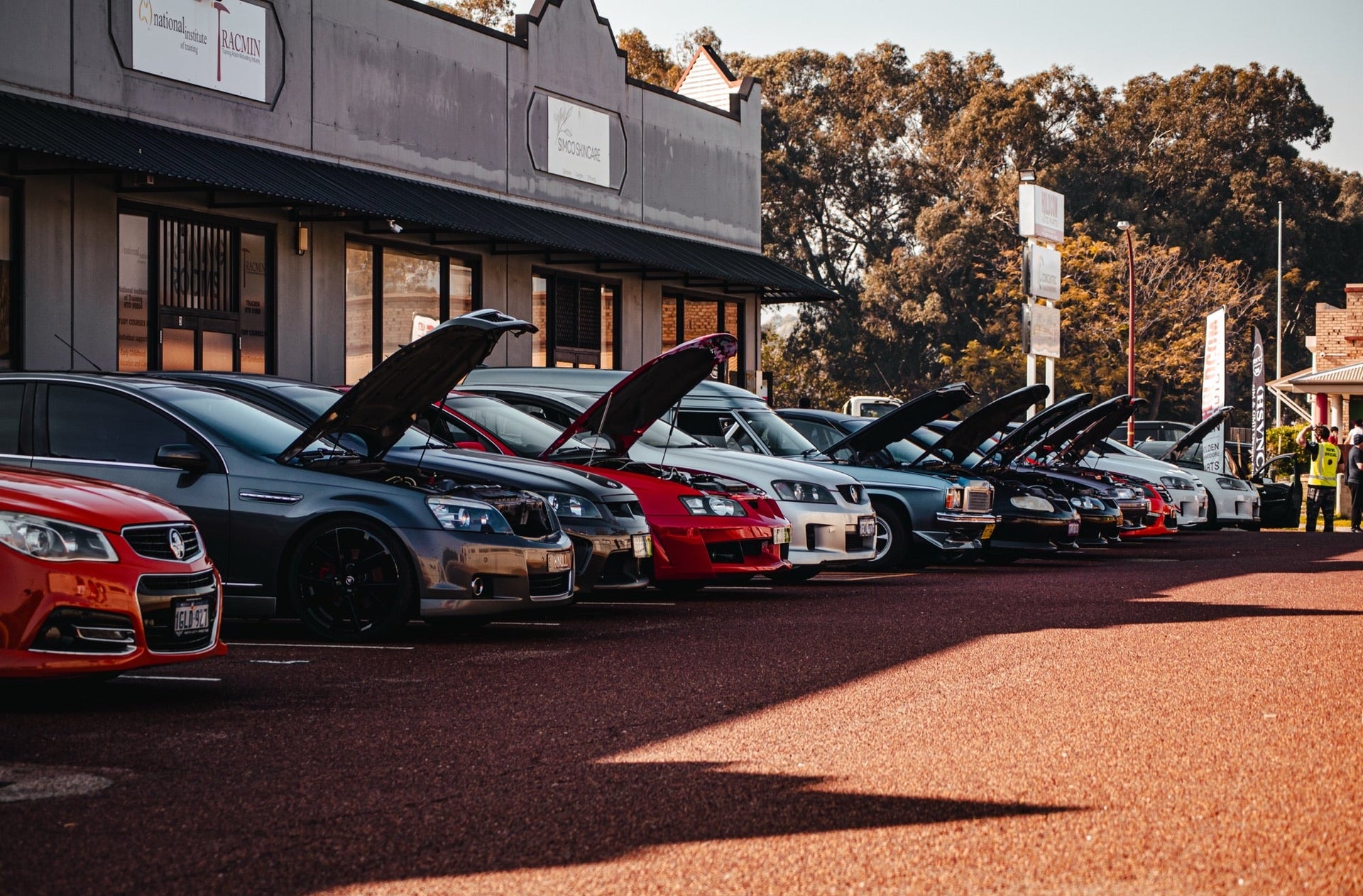
Holden Commodores gathered at Holdcom
Forum Home›Technical help
Technical help

Changing Clock colour.

Started by wood_22 vbmenu_register("postmenu_655177", true); · 15 Sept 2005 · 17 replies

Preserved from CalaisTurbo. Original authors and dates are shown; archived members are not current Holdcom accounts.

Hey guys, by popluar demand, here is how i changed the colour of my clock from green to blue. Remove Dash Remove Clear plastic face of cluster(8 screws cant be down till you undo -->)and remove top panel (5 screws)(as described elsewhere). I found that you can remove the clock unit itself by carefully removing the center part and strips of the face. Then from behind the cluster push on the 4 pins that hold it in. SEE PHOTO Bend back the faces carefully and slide the unit itself out between the two main faces. Once the unit is out its easy! Pull the black front piece off by poking the 4 clips on the back through their holes. SEE PHOTO Watch out for the buttons to fall out. SEE PHOTO then push out the green lens and replace with lens of colour of your choice, im my example blue. Here's a 'unfocused' photo of my finished product. SEE PHOTO Simply re-install all components and there you have it. And here are some random speaker shots Some original photos have not been recovered yet.
0 likes
sik
0 likes
Well done.
0 likes
Must do this to match my blue satellite switches! Some original photos have not been recovered yet.
0 likes
what did u use for the colour? ie plastic celophane etc
0 likes
At the moment it is 1layer of blue celophane behind the faces, with blue globe condoms. And 2 layers of blue celophane for the clock
0 likes
not bad dude keep up the good work Some original photos have not been recovered yet.
0 likes
dats very cool i will do dat to mine thanx for da idear
0 likes
fully
0 likes
nice work bro Some original photos have not been recovered yet.
0 likes
love the pics, they're really easy to follow
0 likes
have u got a pic of whole dash together???
0 likes
Quote: Originally Posted by PSIVLT6 dats very cool i will do dat to mine thanx for da idear uh.. what?
0 likes
He's into the smart idear .... lol
0 likes
Quote: Originally Posted by XTC16 He's into the smart idear .... lol hahahahahahahahaah best quote ever
0 likes
The clock now has 1 sheet of blue lighting gel behind it. looks the same colour but is safer and wont crinkle, same with all my dash. only cost was for the gel. i have spare let over, 2 colours of blue. i can put photos up of them if you want some for your dash..... either PM me or reply here and i'll put some up...
0 likes
good idear hehe Some original photos have not been recovered yet.
0 likes
great work, I�ll be doing this soon....for the blue on mine I pulled out the blue lens from the clock of an old beta video recorder, should work well. I�ll post pics when its done.
0 likes
Sign in or create an account to reply. New members are welcome—no purchase or old CT account needed.

Who’s online

0 members and 0 guests active in the last 15 minutes

No signed-in members active right now. Guests are welcome to browse.

Visitors Today19

33,602 threads, 484,230 posts and 24,897 images saved from CalaisTurbo.
As at . Recovery is continuing.