Back to shop ↗
THE HOLDEN COMMODORE FORUM

HOLDCOM Community

Built around the cars. Kept alive by the people.

+ Start a discussion
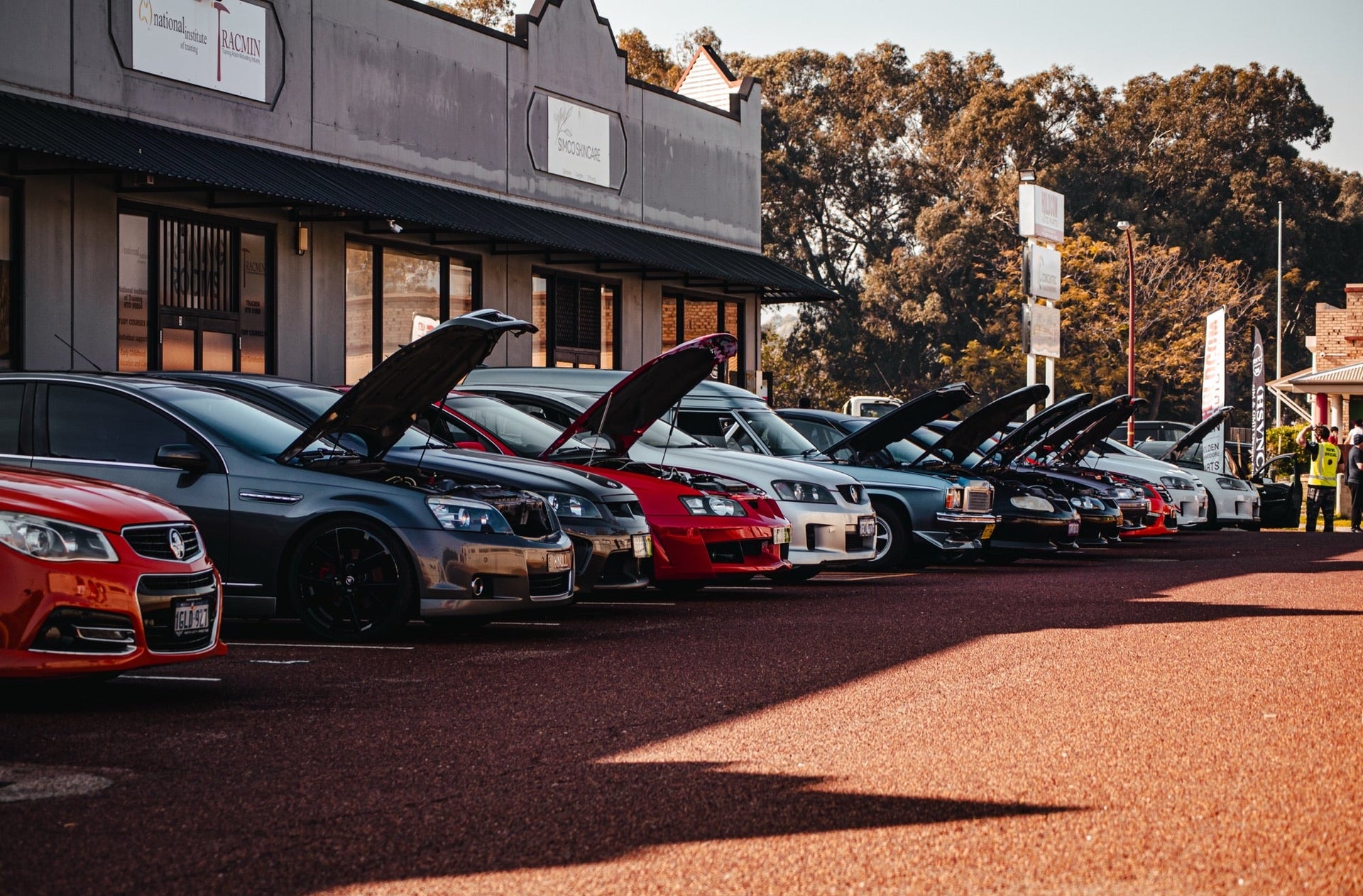
Holden Commodores gathered at Holdcom
Forum Home›CalaisTurbo archive
CalaisTurbo archive

Avatar picture format

Started by scary · 11 May 2004 · 2 replies

Preserved from CalaisTurbo. Original authors and dates are shown; archived members are not current Holdcom accounts.

scaryArchived member
Just a quick question (hopefully) I know how to upload pictures into my avatar but i am a bit confused on how to resize the image and keep it below 7k in size. As u can see from my avatar, the picture is smaller than everyone elses. Are there any specific settings to have a large image size but low file size? I use photoshop to resize it but i still cant get it any bigger. Thanx
0 likes
platinumArchived member
Use "file" -> "save for web" and probably best to use the jpg format, you can adjust the compression (will make the filesize larger or smaller) of the image using the slider (goes from 0 to 100). Some original photos have not been recovered yet.
0 likes
scaryArchived member
bewwwdiful! thanx platinum
0 likes

This discussion is closed to new replies.

Who’s online

0 members and 0 guests active in the last 15 minutes

No signed-in members active right now. Guests are welcome to browse.

Visitors Today17

33,602 threads, 484,230 posts and 24,897 images saved from CalaisTurbo.
As at . Recovery is continuing.